01
Tablets & phones
Callback Connect

Callback Connect
Free · Android & iOS
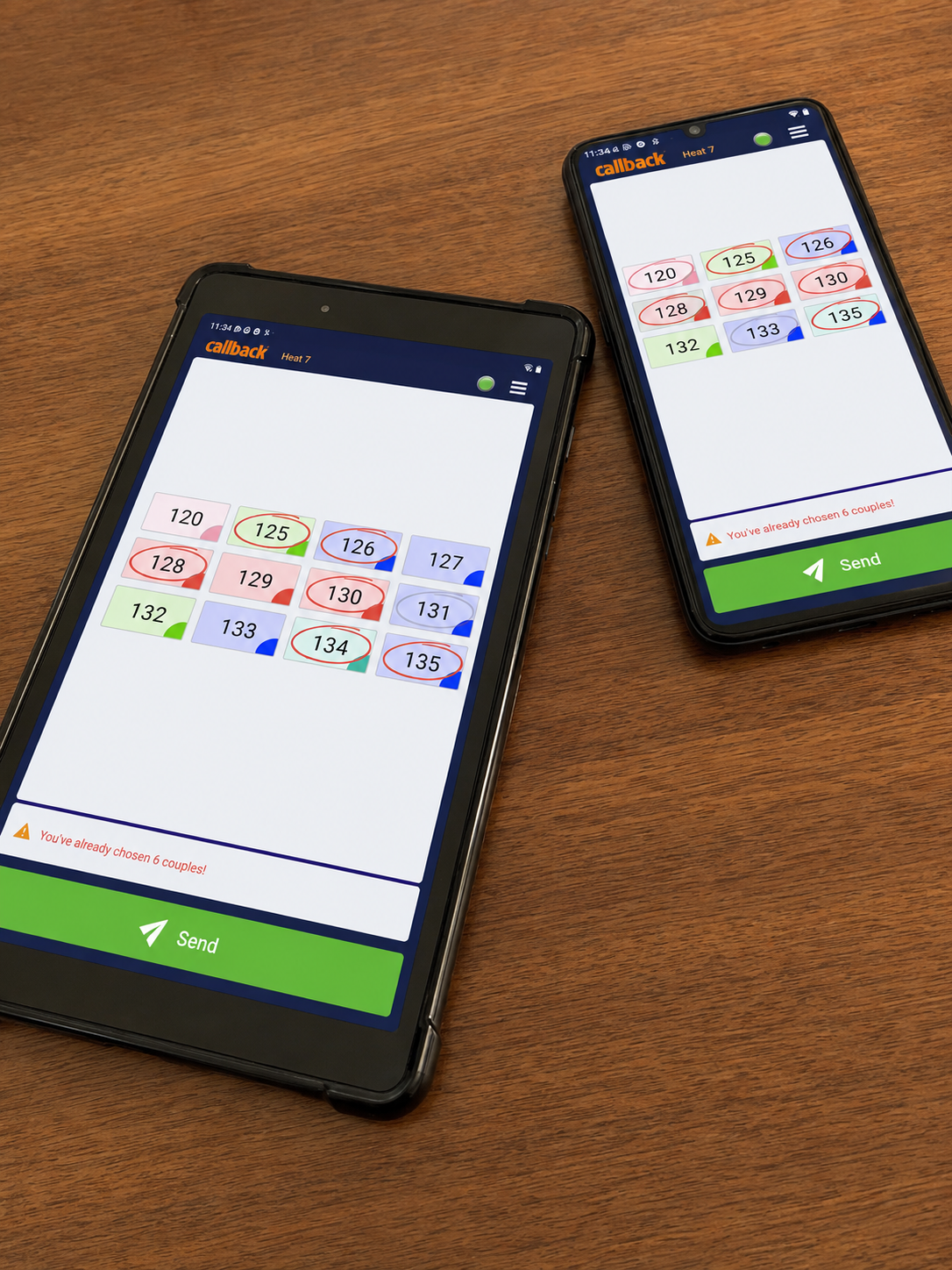
The native Callback app for judges and event staff. Pair a tablet or phone with your event in seconds and get the full drag-and-drop judging experience, with haptic feedback and live sync to the Director's screen.
Get it on
Google Play
Download on the
App Store
Coming soon
Can't use Google Play?
For Amazon Fire tablets and older Android devices without the Play Store, install the app directly. Use this only if the store links above don't work for your device.
- Download the APK on the tablet itself.
- When prompted, allow your browser to install unknown apps.
- Open the downloaded file and tap Install.
02
Mac & Windows
Callback Browser
Run Callback natively on your laptop or desktop. Callback Browser gives the Director, Registrar, and Emcee a dedicated, full-screen Callback window — no address bar, no stray tabs, no browser settings getting in the way.
- A focused app window built just for Callback
- Connects to Callback Cloud or your OnSite hub
- Stays on Callback — no wandering off to other sites
Callback Browser

Need a hand getting set up? Email info@callback.dance